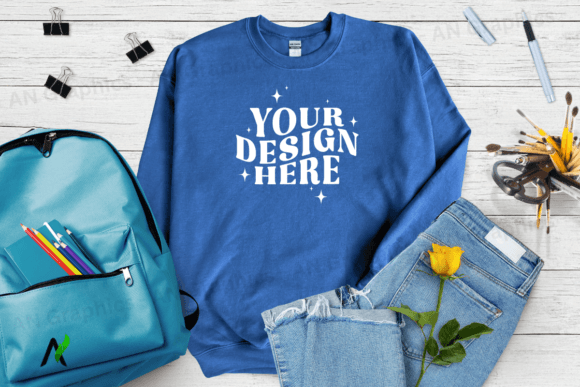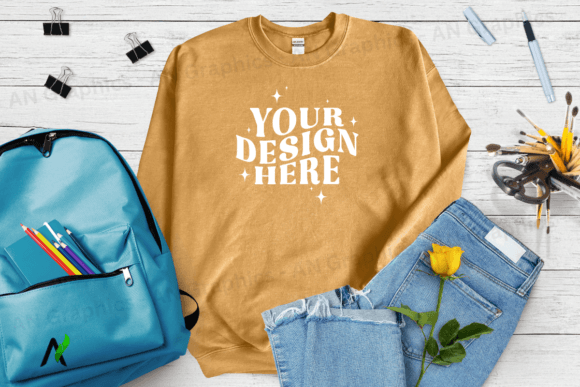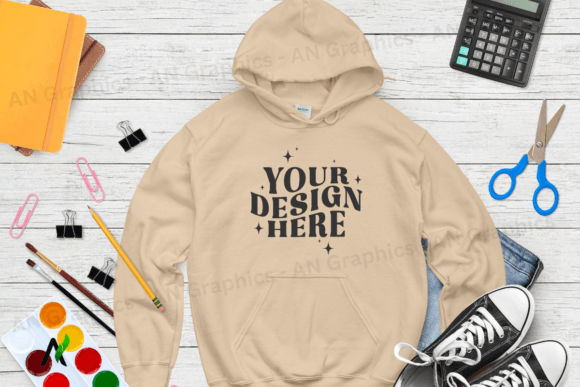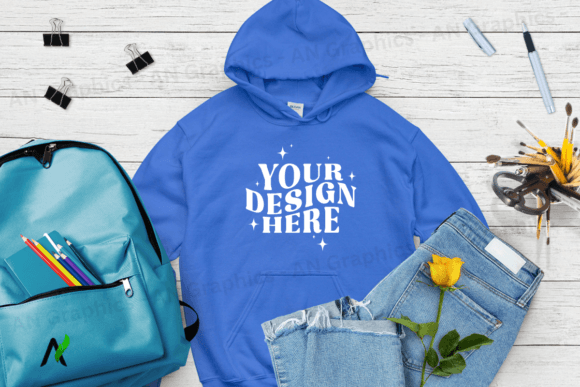
Back to School Gildan 18000 Mockup 0158: A Powerful Tool for Designers and Creators
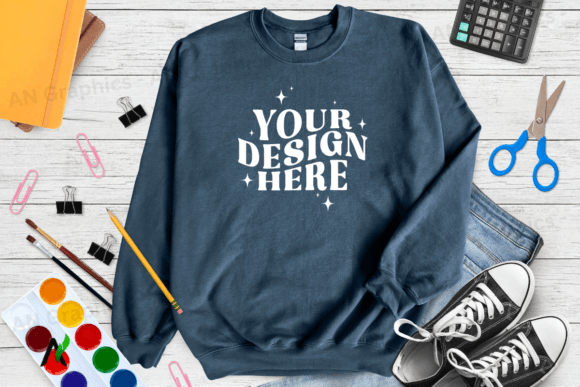
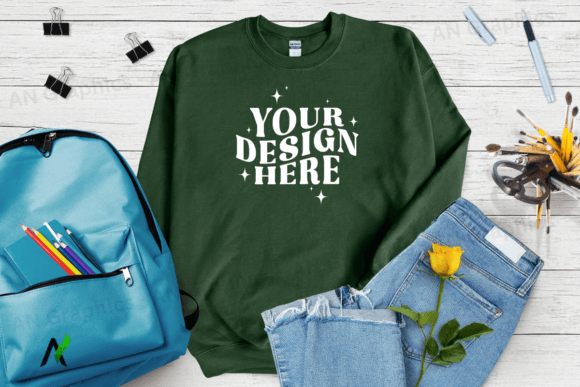
The Back to School Gildan 18000 Mockup 0158 is a high-resolution, flat JPEG mockup designed specifically for showcasing t-shirt designs. This digital download provides a professional and clean canvas that allows designers to present their work with clarity and impact. Whether you're an independent creator, a small business owner, or part of a design team, this mockup fits seamlessly into your workflow, offering both practical utility and aesthetic appeal.
Understanding the Back to School Gildan 18000 Mockup 0158
The Back to School Gildan 18000 Sweatshirt Mockup is built with the needs of creative professionals in mind. It comes in a size of 3750 x 3000 pixels at 300 dpi, ensuring that every detail remains sharp and clear when printed or displayed online. The mockup is available in a Color Forest Green variant, which aligns perfectly with the seasonal theme of back-to-school branding and marketing campaigns.
Unlike other mockups that may include watermarks or require complex editing tools, this one is completely logo-free, watermark-free, and ready to use. It’s also free from any smart objects or layered PSD files, making it accessible to users who prefer simple, straightforward editing workflows. With just a few clicks, you can layer your design or text over the mockup, giving your project a polished and professional look without the hassle of complicated file formats.
Where Does the Back to School Gildan 18000 Mockup Fit In?
This mockup is not just a standalone tool—it's an essential asset in the broader process of product design, marketing, and brand development. It plays a key role in several stages of a project lifecycle, from initial concept to final presentation.
During the design phase: The mockup serves as a visual reference point. It helps designers test how their artwork will appear on a real garment, allowing them to make adjustments before production. This saves time, reduces costs, and ensures that the final product meets expectations.
During the marketing phase: For businesses looking to promote their new line of school-themed apparel, the mockup becomes a powerful tool for creating engaging content. It can be used in social media posts, email campaigns, and product listings to give customers a clear idea of what they’re purchasing.
After the launch: The mockup continues to be useful as a template for future projects. By saving and reusing it, designers can maintain a consistent brand identity across multiple campaigns, ensuring continuity and professionalism.
How to Use the Back to School Gildan 18000 Mockup Effectively
Using the Back to School Gildan 18000 Mockup 0158 is straightforward, but understanding its capabilities can help you maximize its potential. Here are some practical tips for integrating it into your workflow:
- Choose the right platform: While Photoshop is the most common tool for editing mockups, platforms like Canva offer user-friendly interfaces that make it easy for beginners to layer and customize designs without advanced technical skills.
- Prepare your design: Before placing your artwork on the mockup, ensure it’s properly scaled and aligned. This helps maintain the integrity of the final image and avoids distortion or misalignment issues.
- Use high-quality assets: To achieve the best results, always use high-resolution images and vector graphics. This ensures that your design looks sharp and professional, whether it's viewed online or printed.
- Save your work: After editing, save your mockup in a format that’s compatible with your intended use—whether it's PNG, JPEG, or another format that supports transparency and quality.
By following these steps, you can streamline your design process and produce visually appealing content that resonates with your target audience.
Integration with Other Tools and Platforms
The Back to School Gildan 18000 Mockup 0158 works well with a variety of design and marketing tools, making it a versatile addition to your toolkit. Here are a few examples of how it can be integrated into different workflows:
With Canva: Canva’s drag-and-drop interface makes it easy to upload the mockup and overlay your design. You can then export the final image directly for use on social media, websites, or print materials.
With Shopify or Etsy: If you're running an online store, the mockup can be used to create product listings that showcase your designs in a realistic way. This helps build trust with customers and increases the likelihood of conversions.
With social media: Platforms like Instagram and Pinterest are highly visual, so using the mockup in your posts can significantly enhance the appeal of your products. It gives your audience a clear idea of what they're buying, which is especially important in the fashion and apparel industry.
Practical Workflow Examples
Let’s explore a few real-world scenarios where the Back to School Gildan 18000 Mockup 0158 can be applied:
- Creative Agency Project: A design agency working on a school supply campaign might use the mockup to visualize different design concepts. They can quickly iterate and refine their ideas before presenting them to clients.
- Small Business Owner: An independent seller on Etsy can use the mockup to create eye-catching product listings. This helps differentiate their offerings from competitors and attracts more buyers.
- Freelance Designer: A freelance graphic designer might use the mockup as part of their portfolio. It demonstrates their ability to create professional, high-quality designs that are ready for production.
In each of these cases, the mockup serves as a bridge between concept and execution, helping to streamline the creative process and improve the final outcome.
Factors to Consider for Long-Term Use
While the Back to School Gildan 18000 Mockup 0158 is a valuable tool, there are several factors to consider for long-term use:
- Compatibility: Ensure that the mockup works well with the software and platforms you use regularly. This helps avoid compatibility issues that could disrupt your workflow.
- Organization: Keep your mockups organized in a dedicated folder or cloud storage system. This makes it easier to find and reuse them in future projects.
- Consistency: Using the same mockup across multiple projects helps maintain a consistent brand identity, which is crucial for building recognition and trust with your audience.
- Quality Control: Always review your final output to ensure that the design looks as intended. This includes checking for color accuracy, alignment, and resolution.
By paying attention to these details, you can ensure that the mockup remains a reliable and effective tool throughout your creative journey.